
payment and shipping integration
Ecommerce payment gateway integration for a tested checkout
Ecommerce payment gateway integration connects a supported provider to your checkout and configures the shipping options in scope. Provider availability depends on platform and country, and the order flow is tested before handover.
Ecommerce payment gateway integration: what the service covers
A customer picks a product and reaches checkout, but does not see the payment method they trust, or their card fails with no clear message, and they leave. After a successful order your employee types the customer’s details into the courier’s site by hand, makes a mistake in the phone or address, and the parcel comes back. The customer asks “where is my order?” and nobody has the tracking number.
A proper link removes those hand-offs, and testing exposes the faults before a real customer meets them.
Payment: what we set up
Gateways
We connect a gateway that suits your country and how you sell. In Egypt, options include Paymob, Kashier and Fawry. In Saudi Arabia and the Gulf, HyperPay, PayTabs and Tap, with local methods such as mada, Apple Pay and STC Pay and buy-now-pay-later services such as Tabby and Tamara. Internationally, Stripe and PayPal. What is available depends on your platform, your company's country and the gateway's approval. We can help you register and connect the chosen provider.
Cash on delivery
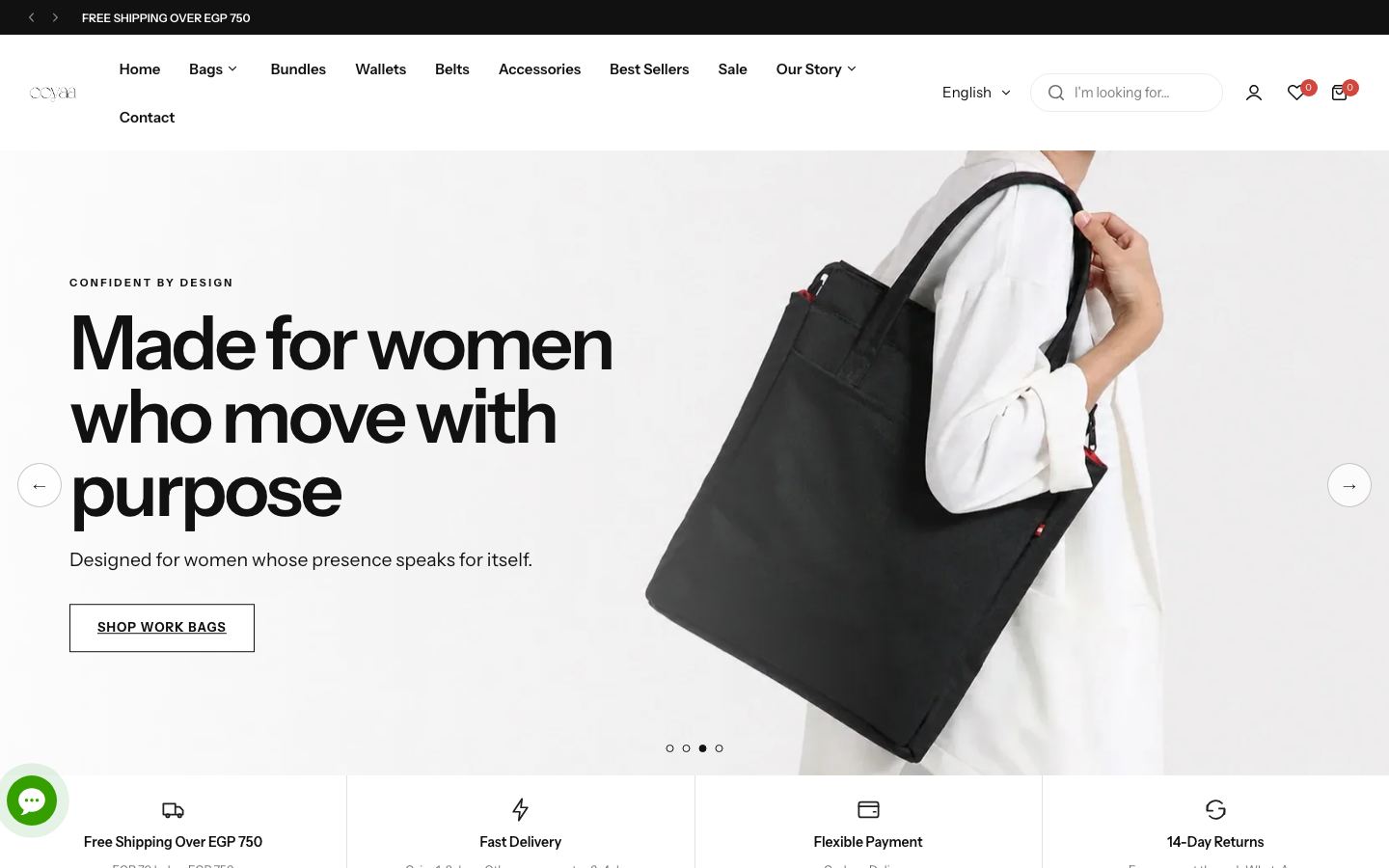
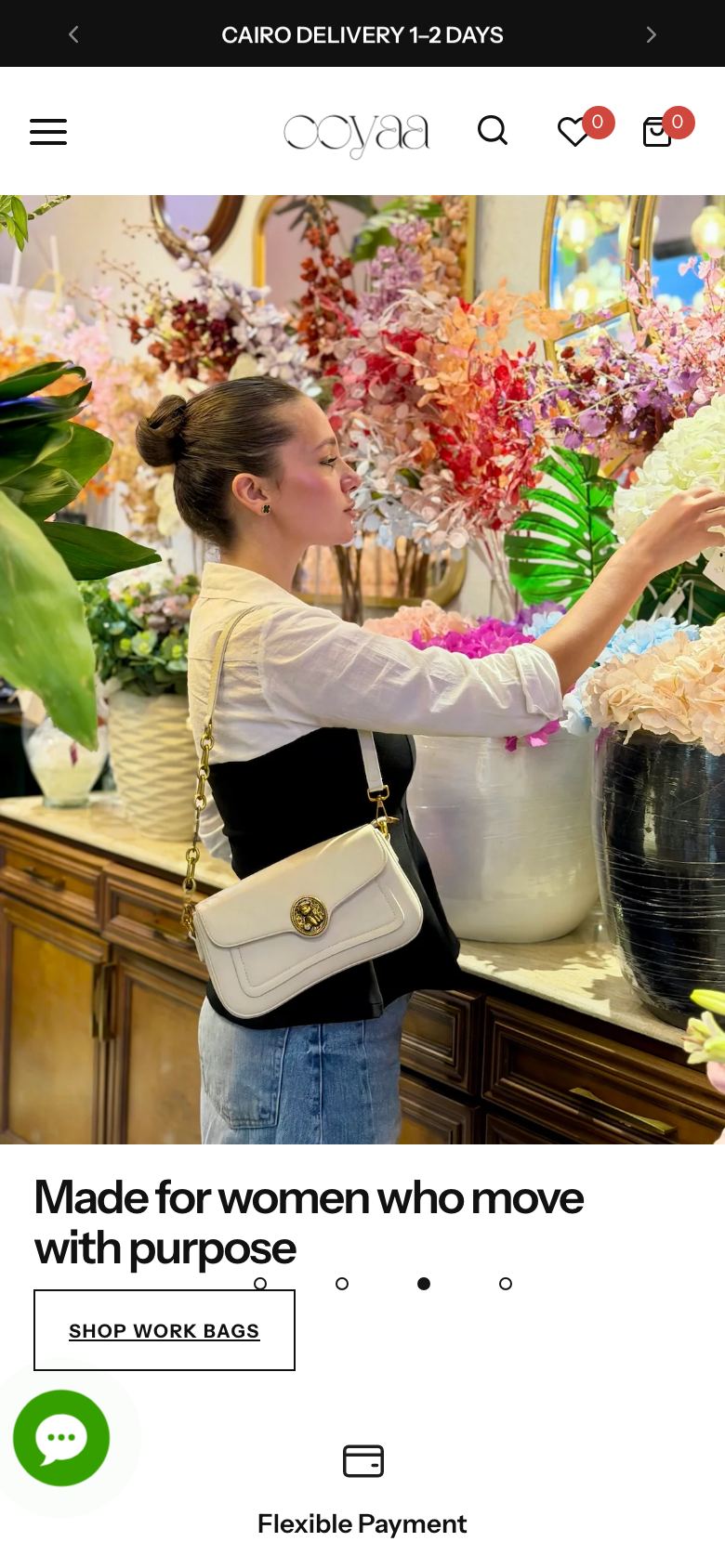
Many customers in the region like it, and it needs setting up: a service fee if you want one, a maximum order value, and a confirmation by phone or message before shipping to cut returns. The OOYAA store uses it. See the store story.
Security and confirmation
Payment happens on the gateway's encrypted page, so card data never passes through your server. We enable 3-D Secure where the gateway asks for it, and set up payment notifications (webhooks) so an order moves from "awaiting payment" to "paid" on its own, even if the customer closes the browser.
Refunds and cancellations
We show you how to refund from the store or gateway dashboard and how the status appears to the customer.
Shipping: what we set up
Couriers
We connect the companies you use, such as Bosta, Mylerz, Aramex, J&T, SMSA, Naqel and DHL, depending on your country. Some platforms offer a ready app and others need an API. We review what fits.
Zones and rates
Shipping zones and prices by weight, city or order, a free-shipping threshold, and the estimated delivery dates the customer sees on the page and in the cart.
Waybill and tracking
When an order is confirmed, the waybill is created and the data goes to the courier. The tracking number returns to the order and reaches the customer by email or WhatsApp. This step uses WhatsApp automation or system integrations.
Returns
We define the return path: customer request, return waybill, warehouse receipt, then refund.
Settings that depend on the customer's country
A customer in Egypt differs from one in Saudi Arabia, Qatar or Kuwait. Some prefer a card, some prefer cash on delivery, some want instalments. Currency, VAT, address format and working days differ too. In the store we set accepted currencies, prices shown per country, address fields that suit city and district, and checkout text in Arabic and English. If you sell across borders we settle customs and who bears the duties with you, which the courier and the platform set the terms for.
How we test before launch
This is the part that separates a link that works from one that only looks right. We run trial orders in the gateway’s sandbox, then live with a small amount:
- A successful card payment, a declined card, and one abandoned halfway.
- Cash on delivery for an order above and below the limit.
- A full and a partial refund.
- A near city and a far city to check shipping cost.
- The waybill reaching the courier and the tracking number reaching the order.
- What the customer sees on a phone at each step.
- Purchase events in GA4 and in the ad accounts.
We record the result of each test and hand you the list. Our article a website acceptance checklist has similar checks you can run yourself.
Project steps
- A call. Your platform, country, how you ship now and which gateway you prefer.
- A written quote that sets the scope and timeline.
- Open the accounts. Register the gateway and couriers in your company’s name, with guidance on the documents.
- Connect and configure on a test store.
- Test with the scenarios above.
- Launch and watch the first real orders.
What you prepare
Your company documents for the gateway account, which differ by gateway, your agreement with couriers or your account details with them, shipping rate tables and zones, and your written return policy.
What you receive
A working payment gateway, cash on delivery configured, shipping linked to waybill and tracking, the list of test results, a video that shows your team how to refund and print a waybill, and a handover file.
Packages and the written quote
We review what you need, then send a written quote that sets the scope, timeline and deliverables. The written quote fixes the scope and the timeline, and we start after you approve it. If your store is not built yet, this work is part of building the store on Salla, Zid or Shopify.
Frequently asked questions
That is up to the gateway, not us. Each one reviews your company documents and sets its own timing. We prepare the file with you to cut review rounds, and we cannot promise a date.
Yes, and it can help: one for cards, another for instalments and a cash-on-delivery option, so sales do not stop if one fails.
No. The gateway and the courier charge you directly. We help you understand them and choose what suits you.
Yes. The courier can be chosen by city, weight or product type, and you can offer the customer more than one option.
Often yes, depending on the platform. Send the store address and gateway name and we check feasibility.
Make sure every order pays and ships before your customer arrives
Send your store platform and shipping country, and we reply with a written quote that sets the scope and timeline.