
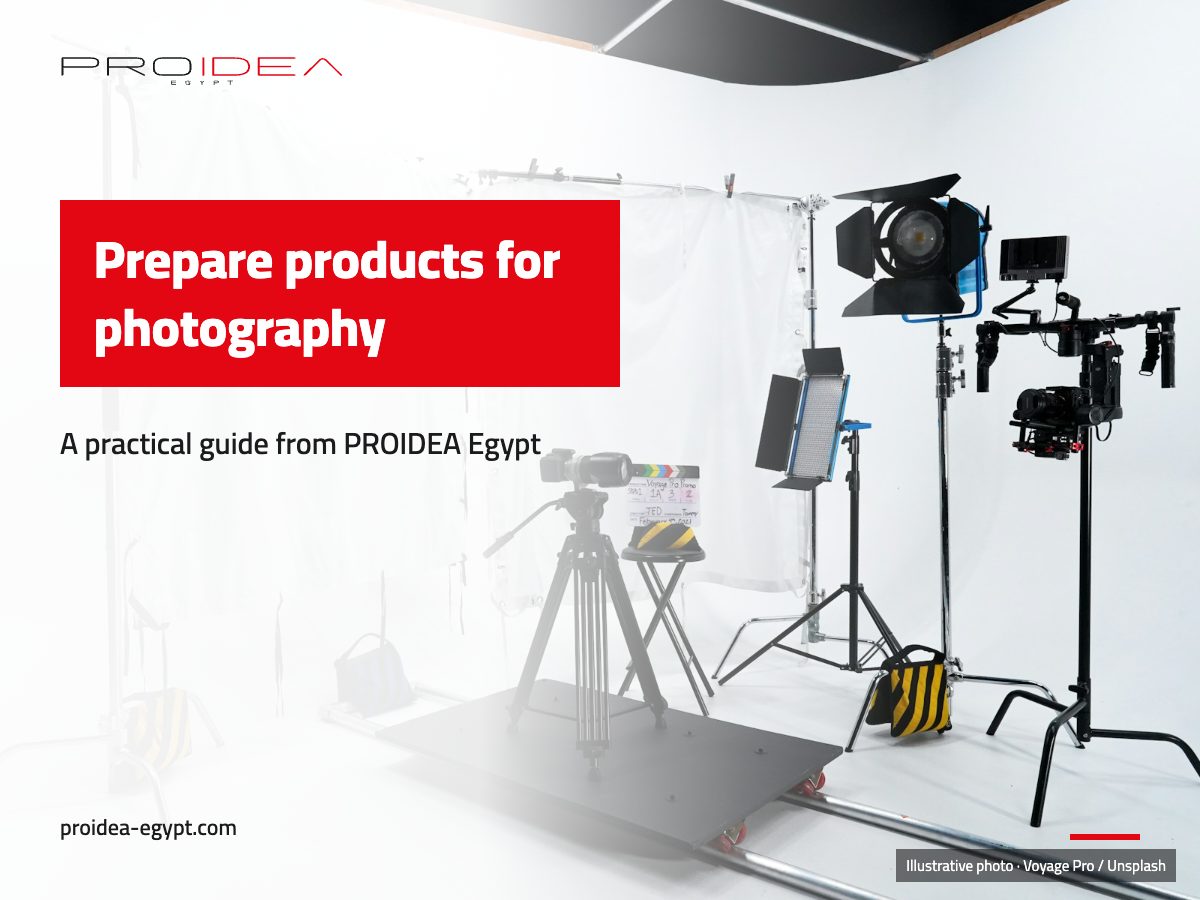
How do you prepare products for photography?
Product photography preparation starts with deciding where each image will appear and what a customer needs to see. Check the samples and packaging, write a practical shot list and prepare one clean sample of each option. Agree backgrounds, sizes and file delivery with the photographer before the session, so the files go straight onto your store.
Decide what the images must explain
Review the shop pages and adverts that will use the images. A shop listing needs photographs that show the product and its details. An advert may need a picture that explains a use or draws attention to one feature.
Set a purpose for each channel so the session produces images that answer a buyer’s questions.
For every product, note what must be clear: colour, material, relative size, how it opens or works, and what comes in the box if that affects the offer. Mark anything that should stay out of the frame, such as a temporary label or packaging that is about to change. That gives the photographer useful direction.
A shot list by product type
| Product type | Core shots | A shot that builds trust |
|---|---|---|
| Bag or wallet | Front, side, inside, fasteners | Size beside a hand or a coin |
| Clothing | Front, back, fabric, details | On a body, or against a size reference |
| Food product | Pack front and back, contents | Serving or use |
| Electronics | Front, ports, accessories | Everything in the box |
| Home and furniture | The whole item, details | In a room setting |
The same number of images does not suit every item. Choose the views that explain the differences between your products.
Check the product list and variants
Prepare a sheet with the product name and reference, the colour or size to photograph, and the number of samples. Match each sample to its description, especially when colours look alike. Add a note if a manufacturing flaw means you should replace a sample before the shoot.
With many products, arrange them by category, colour or preparation needs. Keep a card with each sample’s reference outside the camera frame and check it before moving to the next item. A list is more reliable than memory in a session full of similar variants.
Inspect each sample and its packaging
Clean the product with a method that suits its material. Remove dust, fingerprints and labels that should not appear. Check seams, edges, fastenings and accessories.
Replace a sample when damage makes it differ from what a customer will receive. A temporary repair can look permanent in a photograph.
Inspect the packaging too. If the product will appear in a box, prepare an undamaged one. Decide whether the image should show the product alone, the packaging or both.
List everything that belongs in the frame, an accessory supplied with the item included, so the photograph does not mislead about what the order contains.
Write the shot list for each product
A list might include a front view, a side angle, an important detail and a picture that shows scale or use when that helps someone decide. Add a contents shot if customers need to know what comes in the box.
Discuss backgrounds and lighting before the appointment. Do you need one consistent background across the catalogue? Should a use photograph put the item in context?
Say where the files will appear and ask for sizes and orientations that fit those placements. The product photography service can help define the session and its scope.
Share references and constraints
Send reference images and explain what you want to carry across: the camera angle, the space around the item, the background or the way details appear. If the brand has approved colours or visual rules, provide the correct identity files.
Write down important restrictions, such as keeping a supplier label out of shot or avoiding props that do not come with the product. Tell the photographer if you need a particular crop or both square and portrait files. One crop may not suit every placement, so agree the deliverables before the shoot.
Organise the session and the delivery
Choose someone who knows the products to answer questions and approve the order. Set aside separate areas for samples that are ready and those still to be photographed. Keep a checklist and mark shots that are complete or need another take, instead of reviewing everything at the end.
Before the session ends, inspect a sample of the images on a proper screen. Check the colour, the details and whether the product is fully visible in the main views. Agree file names, formats and how the originals and edited versions will be delivered.
When the images arrive, match each file to the correct product reference and colour before uploading it.
Sizes and formats to ask for
- Store version: square or portrait images in a quality that survives zooming, in one ratio across all products so the catalogue looks tidy.
- Advert version: square and portrait for stories and feeds, landscape for Google ads, depending on the channels you will use.
- Light version: compressed images for the page so mobile stays quick. Our mobile PageSpeed target is 85 or higher.
- Originals: keep them for later edits if you agree to receive them.
Connect photography with the shop experience
Images work alongside the product name, description and options. Check that each colour links to its correct photograph and that the copy does not promise something the photo or specifications do not show. If you are reviewing your visual identity at the same time, see the guide to brand identity files.
After preparing the files, test a product page on a phone and check that the images appear in a clear order. The photo and video hub covers related work.
Shoots in Egypt, and products from abroad
Shoots we run on site take place in Egypt. A shoot in another country is agreed separately. If you are outside Egypt you can send your own photos and we arrange and optimise them for the store, while editing and design work happen remotely.
Check image rights and use
Before the session, agree where the images will appear and who may use them under your arrangement. If another company’s label or packaging appears, check that it belongs in the frame. Provide identity files and references you are allowed to share, and do not present another shop’s photographs as an approved reference without naming their source.
Note the channels or period of use if those details are part of the photography agreement. If a person or location will appear with the product, agree beforehand what the image should show.
Set an acceptance check
Agree what makes an image ready: the product is fully visible in the required view, useful details are clear, the file matches the right colour and the crop fits its placement. Name the reviewer, the number of review rounds and how to send specific notes.
When the files arrive, collect feedback against each file name rather than scattering comments across messages. Describe what needs changing and why, such as a reflection hiding a detail or the wrong colour option. Check revised files against the same list before approving them for the product page.
An example from a published shop
The OOYAA Shopify store sells bags, wallets and belts, with each colour linked to its own image across the catalogue. The OOYAA store story describes that product set-up. For your own brief, list each product and colour, then name each delivered file so the team can match it to the right option on the product page.